SilverStone GD08B - Bedienungsanleitung
PC-Gehäuse SilverStone GD08B – Bedienungsanleitung, kostenlos online im PDF-Format lesen. Wir hoffen, dass dies Ihnen hilft, etwaige Fragen zu klären. Wenn Sie noch Fragen haben, kontaktieren Sie uns bitte über das Kontaktformular.







Inhalt:
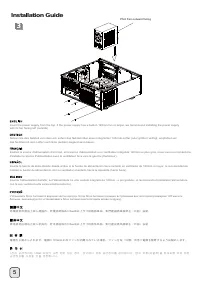
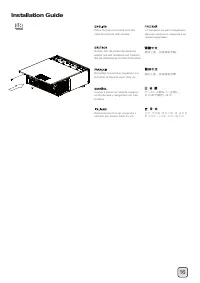
- Seite 2 – 移除磁架螺絲及主磁碟架; 移除磁架螺丝及主磁盘架; lnstallation Guide
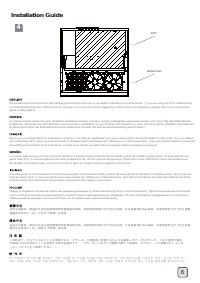
- Seite 9 – OR
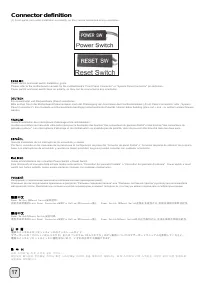
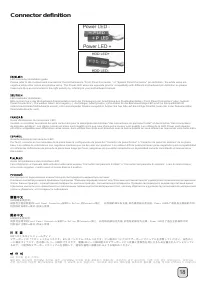
- Seite 15 – Connector definition
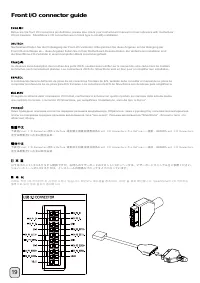
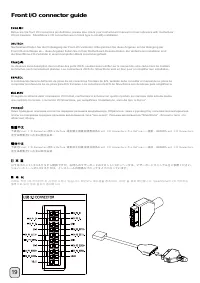
- Seite 17 – Front I/O connector guide
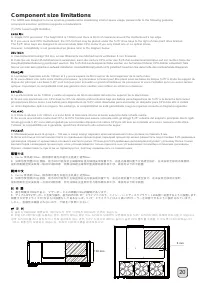
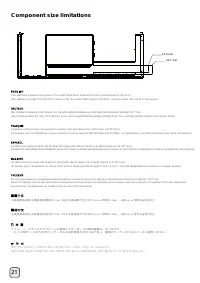
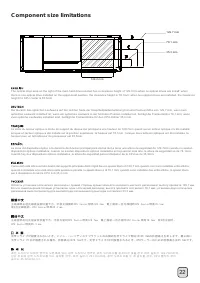
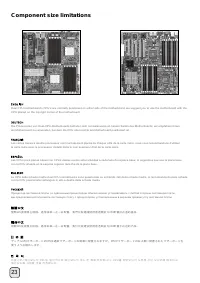
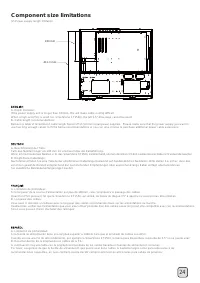
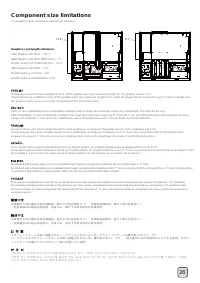
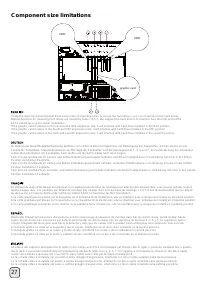
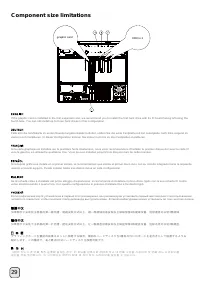
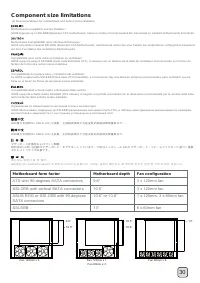
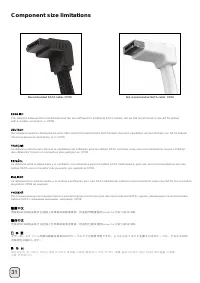
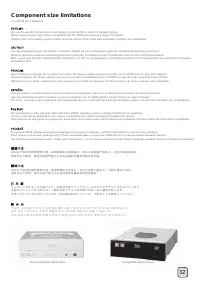
- Seite 19 – Component size limitations
- Seite 27 – Motherboard form factor; ATX with 90 degrees SATA connectors; Motherboard depth
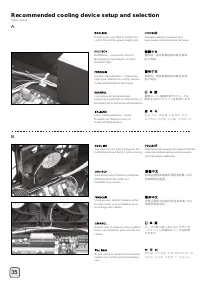
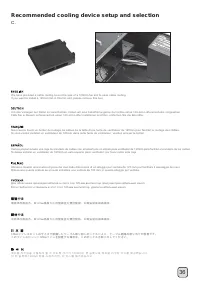
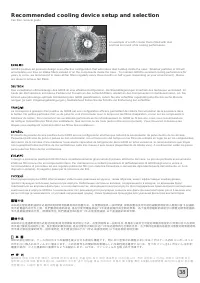
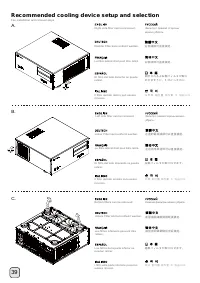
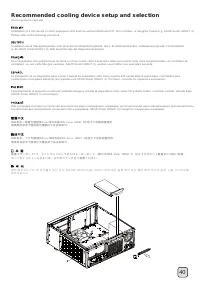
- Seite 30 – Recommended cooling device setup and selection
- Seite 36 – 左邊的電源濾網可以直接拔起; 左边的电源滤网可以直接拔起; 底層濾網請翻倒機殼後拔起
- Seite 40 – Protect your computer
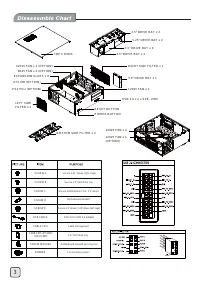
3
RIGHT SIDE FILTER x 1
3.5” DRIVE BAY x 1
12025 FAN x 1
USB 3.0 x 2 + SPK + MIC
BOTTOM SIDE FILTER x 2
LEFT SIDE
FILTER x 2
12025 FAN x 1 (OPTION)
8025 FAN x 2 (OPTION)
EXPANSION SLOTS x 8
PS2 PSU (OPTION)
ATX MB (OPTION)
RESET BUTTON
POWER BUTTON
TOP COVER
2.5” DRIVE BAY x 2
5.25” DRIVE BAY x 2
3.5” DRIVE BAY x 4
3.5” DRIVE BAY x 3
12025 FAN x 2
12025 FAN x 1
(OPTION)
SCREW D
SCREW C
SCREW E
SCREW A
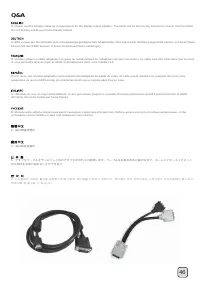
USB CABLE
CABLE TIES
Motherboard standoff
Secure motherboard, PSU, 3.5” drives
Secure 2.5” drives, 5.25” drives (left cage)
Secure 5.25” drives (right cage)
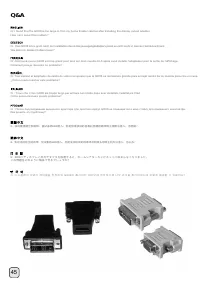
USB 3.0 to USB 2.0 adapter
Cable management
C188-SMT-3P5HDD-
RIGHT-BKT
3.5” hard drive tray
SCREW WASHER
Motherboard standoff securing tool
SCREW B
Secure 3.5” hard drive tray
RUBBER
Fan mounting spacer
„Anleitung wird geladen“ bedeutet, dass Sie warten müssen, bis die Datei vollständig geladen ist und Sie sie online lesen können. Einige Anleitungen sind sehr groß, und die Zeit, bis sie angezeigt wird, hängt von Ihrer Internetgeschwindigkeit ab.
War diese Anleitung hilfreich?
Über diese Anleitung
- Marke
- SilverStone
- Modell
- GD08B
- Dokumenttyp
- Bedienungsanleitung
- Kategorie
- PC-Gehäuse
- Sprache(n)
- Deutsch, Englisch, Spanisch, Französisch, Italienisch, Russisch
- Seiten
- 43
- Dateigröße
- 5,4 MB
- Format
Zusammenfassung
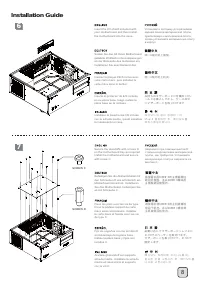
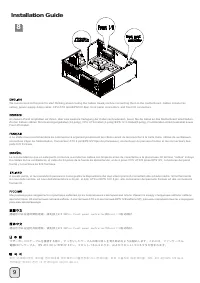
4 1 2 Loosen two screws from the rear of the chassis then remove the top cover. Ослабьте два винта на задней панели корпуса и снимите верхнюю крышку . Lösen Sie die beiden Schrauben von der Rückseite des Gehäuses, entfernen Sie dann die obere Abdeckung. Dévissez les deux vis à l'arrière du châssis p...
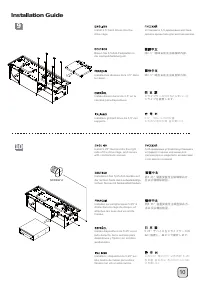
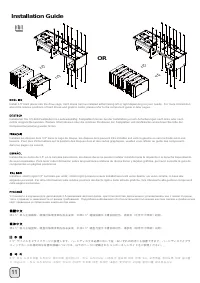
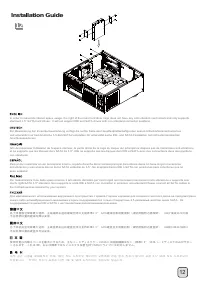
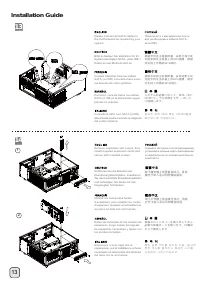
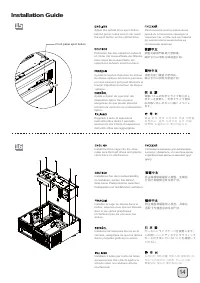
11 11 lnstallation Guide OR Install 3.5" hard drives into the drive cage, hard drives can be installed either facing left or right depending on your needs. For more information about the relative positions of hard drives and graphic cards, please refer to the component guide in later pages. Уста...
17 Connector definition (1) Front panel conn ector installation no polarity, so they can be connected in any orientation. Power switch and reset switch installation guide: Please refer to the motherboard manuals for the motherboard’s “Front Panel Connector” or “System Panel Connector” pin definition...